
SwordHealth Vision AI
Your body is the interface.
Show or hide project details
Role
Lead Product Designer.
Challenge
Design an AI-powered therapy experience that understands member context, movement and intent through the phone camera.
Outcome
A more adaptive, hands-free treatment experience that responds to what members are doing in real time.
Tools & capabilities
Figma · Product Design · Computer Vision · AI · Interaction Design · Prototyping · Motion · Context-aware · Intent-driven
No clicks. No voice.
Just alignment
A context-aware therapy experience that understands what is happening, what the member is doing, and what they are likely trying to do next.
Just a person moving naturally through therapy, while the interface adapts around them.


Saying no is an art
Screen real estate becomes expensive.
Every button, stat, control or persistent message competes with the thing that matters most: the member’s movement.
So we removed everything that didn’t need to communicate continuously. The member side/house itself was treated as a limited attention surface.
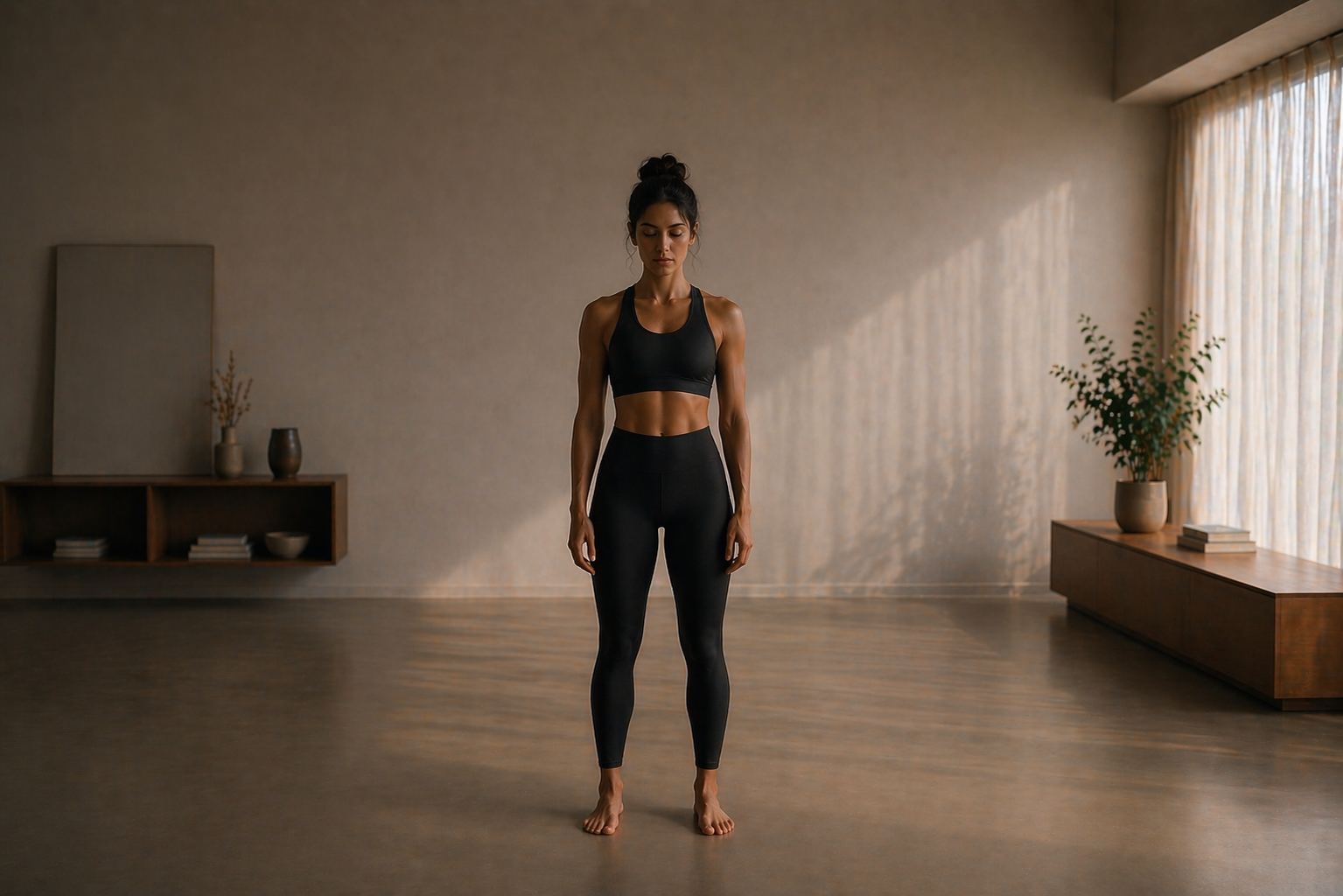
The visual composition is split into three layers: the live camera feed, the member segmentation mask, and a blurred background layer that suppresses unnecessary visual distractions.

The camera crop
Framing the experience
Designing the camera view required balancing two competing needs: how much of the environment the member could see, and how large they appeared on the phone.
A wider camera view meant the member could stand closer to the device and remain fully visible, but their body became smaller on screen.
A tighter crop made the member significantly larger and easier to understand from a distance, but increased the chance of parts of the body moving outside the visible frame during an exercise.
The important distinction was that this crop only affected what the member saw on the phone. Computer Vision continued to process the full camera image.
That allowed us to choose a tighter visual crop and prioritise a larger representation of the member, without reducing the system’s ability to understand their movement.
During some exercises, an arm or leg might temporarily move outside the visible composition, but the system could still detect the movement and provide corrective feedback through audio when necessary.
We deliberately optimised the screen for the member’s perception, rather than forcing the visible UI to represent everything the camera could see.
Exercise UI
Only what helps you move better.
But they also do more than indicate direction.
By making the movement boundaries visible, they help the member understand their current limits, how close they are to the target and how that range evolves over time.


Light speed communication
Skeleton feedback
The skeleton provides the fastest visual indication of movement quality.
Instead of relying only on spoken corrections, the member can immediately see whether their movement is aligned with the expected form.
When the visual feedback is clear enough, a correction can happen before an audio cue is even necessary.


Context aware & Intent-driven
The interface appears when it becomes relevant.
Simplifing the UI didn’t mean removing functionalities. They became contextual.
When the system understands that the member has stopped, needs assistance, approaches the device to interact, or simply steps away for a moment, the relevant interface surfaces automatically.
The opposite is also true. As the member demonstrates consistently strong performance, the system can reduce unnecessary guidance and shift its focus toward progression, encouraging them to push further rather than repeating instructions they no longer need.
Behind that simplicity is a combination of session context, observed behaviour and intention that determines what the interface should show, and when.

Fallbacks
Designed to fail gracefully.
The highest-quality voice experience is generated through the cloud, using an LLM. At the same time, context and intent are inferred from multiple Computer Vision signals running independently on the device.
Any of those systems can fail. A cloud response can be delayed, or an intent can be misread.
Those scenarios were never treated as edge cases. Fallbacks were part of the interaction model from the beginning.
If an automatic pause doesn’t trigger, a single tap on the screen immediately surfaces the pause controls and the same available actions.
If the cloud-generated voice is unavailable, the experience can fall back to offline commands and thousands of predefined corrective messages, keeping the session functional without depending on the LLM.


What changed
The interface stopped asking for attention and started paying attention.
Vision AI shifted the interaction model from explicit commands to contextual understanding.
The member no longer needs to continuously manage the product while exercising. The system observes, adapts and surfaces interaction only when it becomes relevant.
The result is an experience designed around movement first, with AI working quietly in the background and conventional controls always within reach.
The MVP launched in a controlled rollout in June 2026, increasing user satisfaction from 3.78 to 4.40 out of 5, a 16.4% improvement, with results still trending upward in its first release.